Prerequisites
Setup Fabric Workspace
Prerequisites
- Only a Capacity Admin has the permission to install the Microsoft Fabric Capacity Metrics App.
- Ensure you have the required role before proceeding.
Step 1 : Access Microsoft Fabric
- Navigate to Microsoft Fabric.
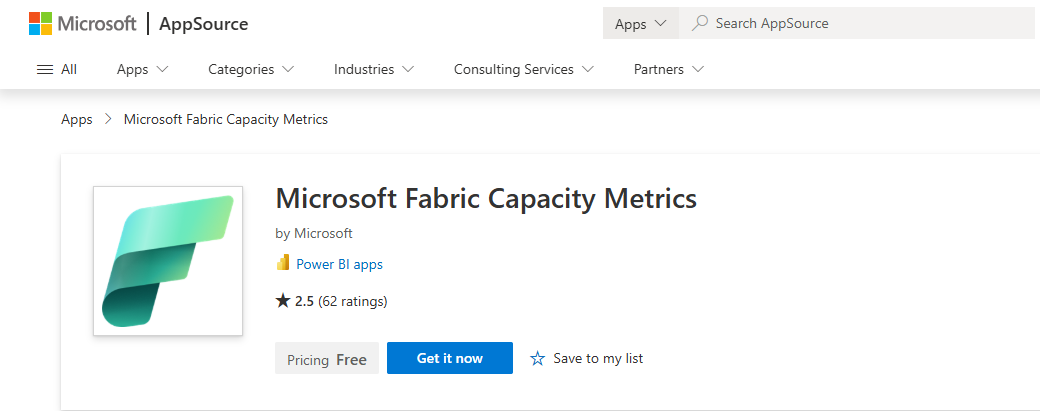
Step 2 : Install the Microsoft Fabric Capacity Metrics App
Microsoft Learn – Installation Guide
Step 3 : Select the Workspace
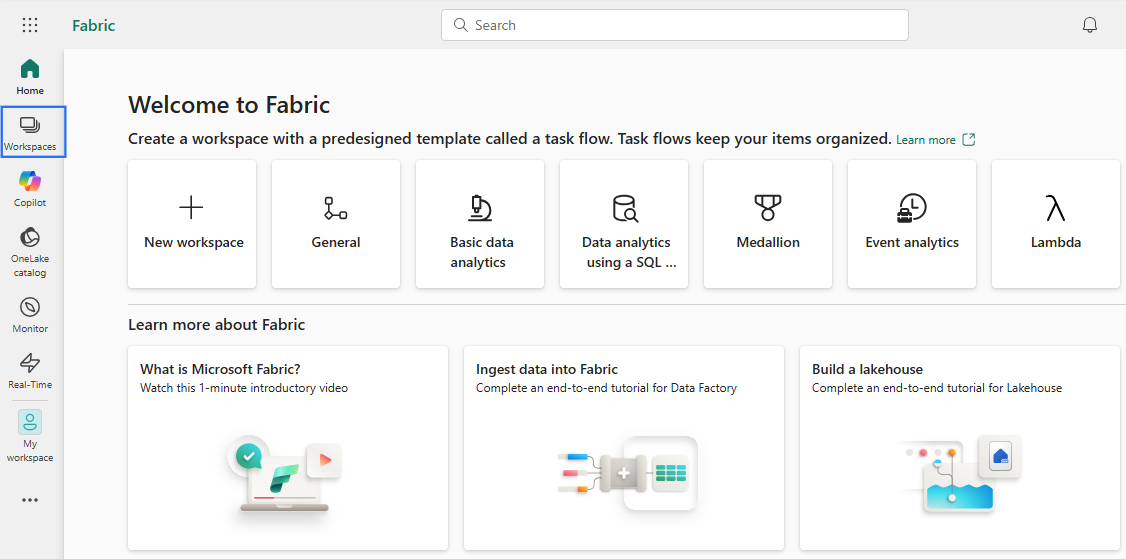
- Click on Workspace in the navigation pane.
- Select the specific Microsoft Fabric Capacity Metrics workspace where you want to create and run the notebook.
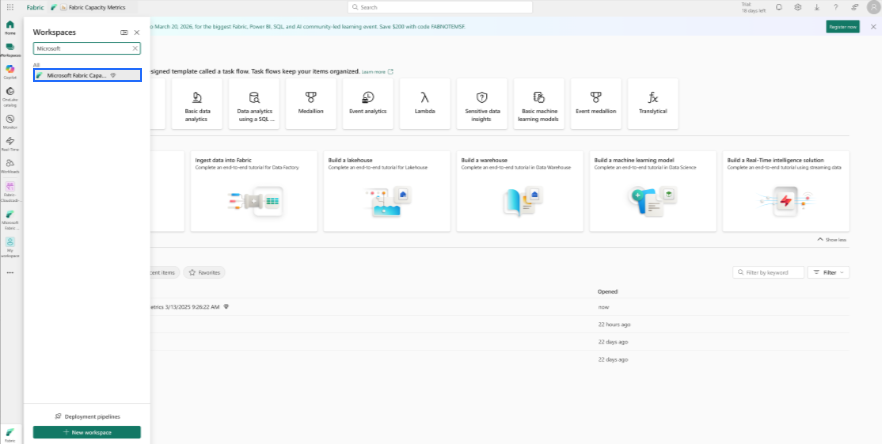
- Click Save to confirm the selection.
Service Principal Enabling
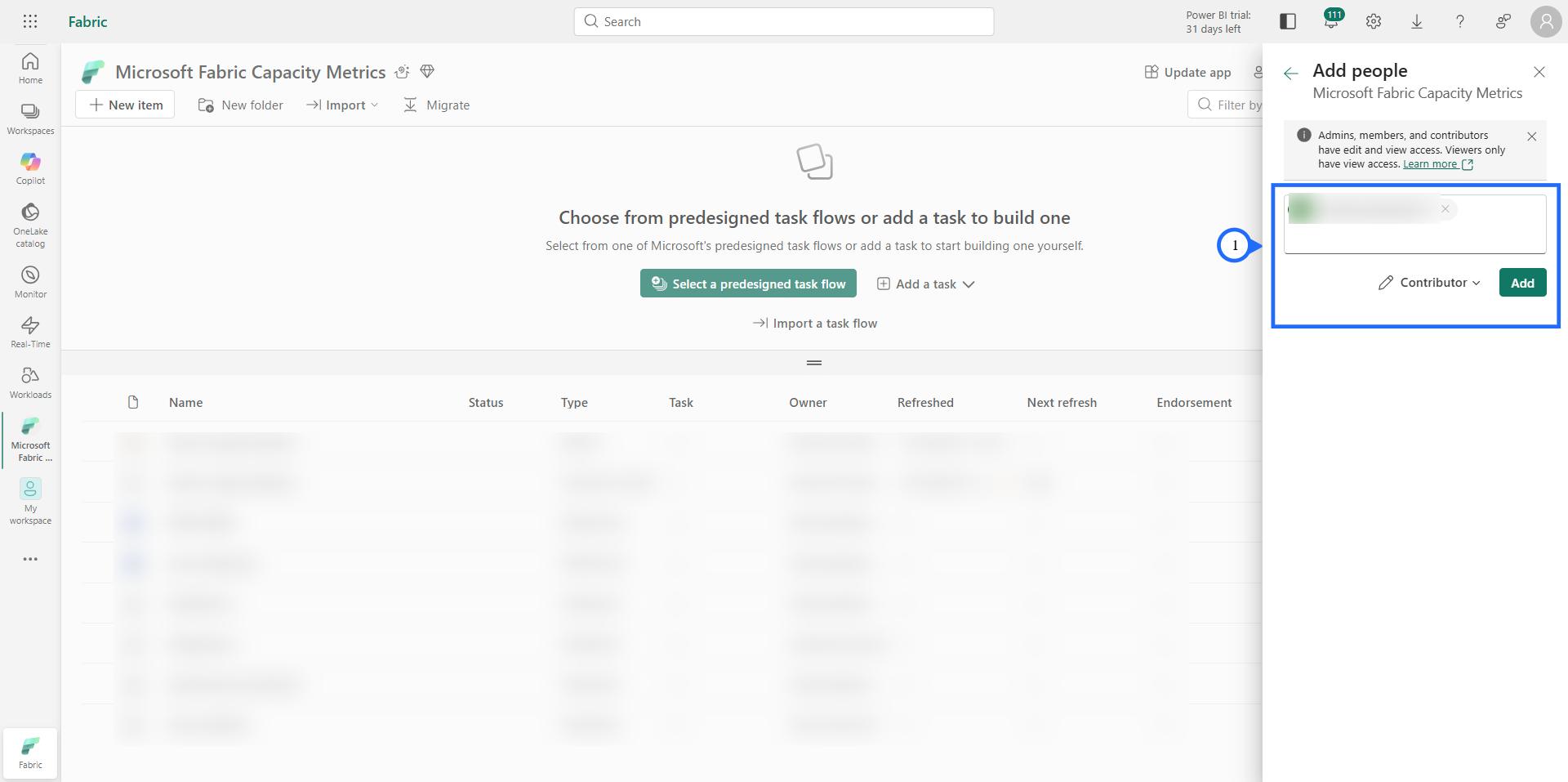
- Select the specific Microsoft Fabric Capacity Metrics workspace where you want to create and run the notebook and select the "Manage access" in the top right corner.
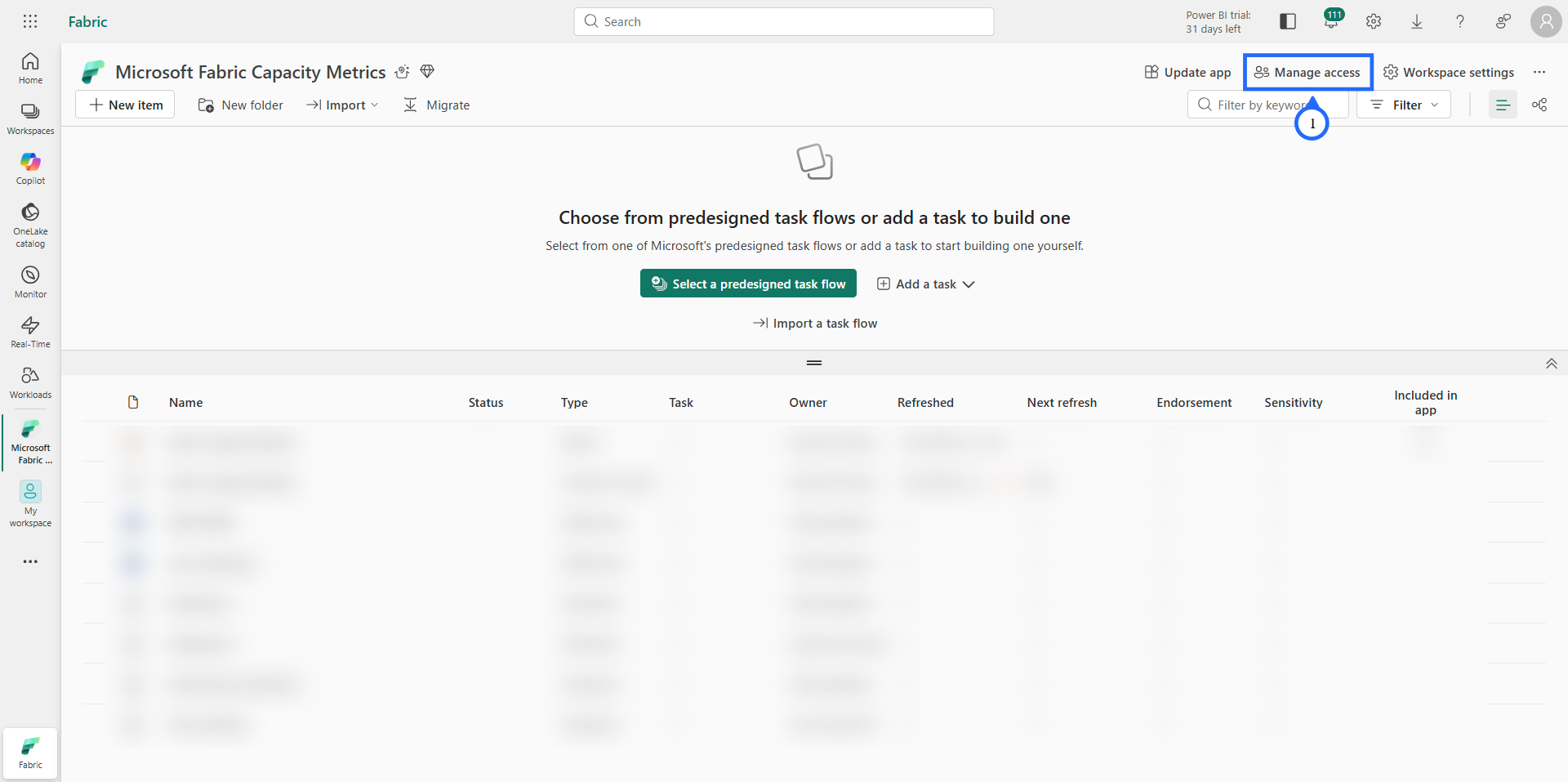
- In the "Manage access" , select "Add people or groups".
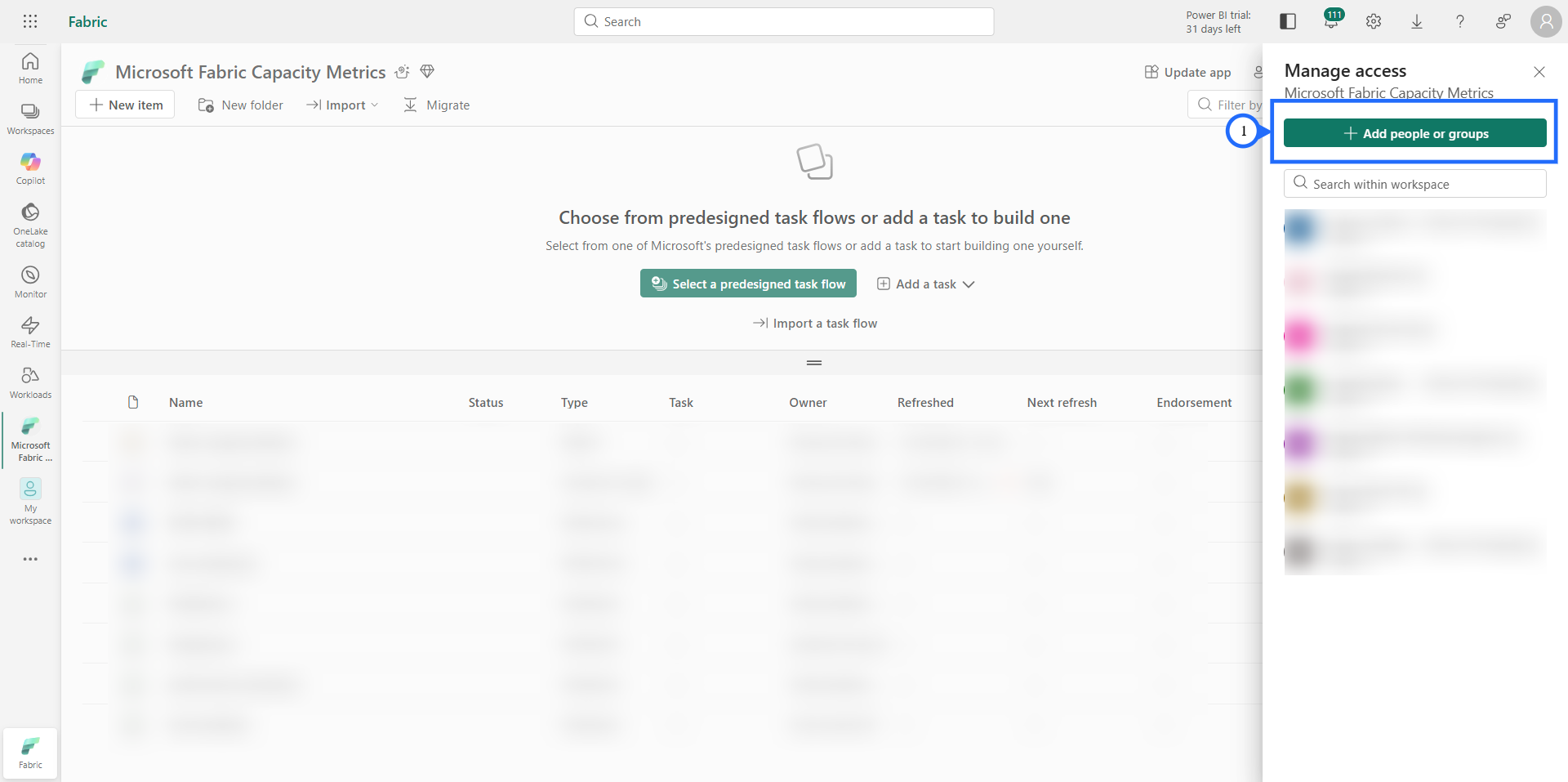
- Enter the "App registration" name which is created during the onboarding process and add "Contributor" role.