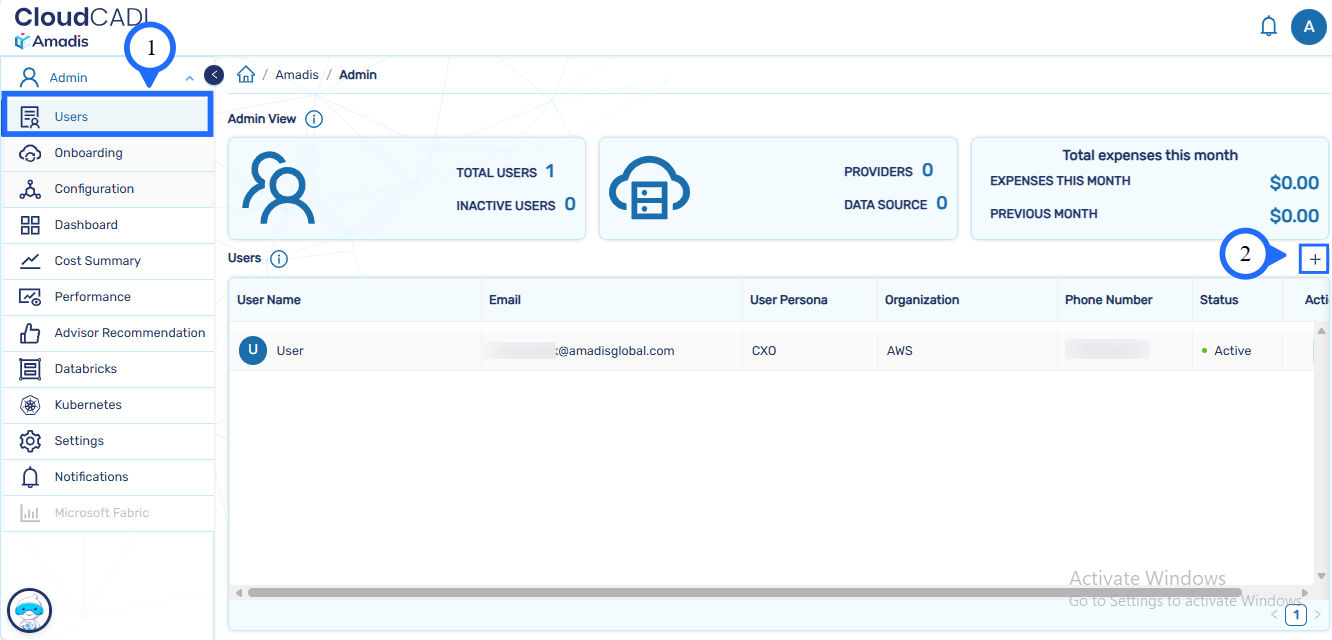
Admin Account Setup
Step 1 - Sign-up as Admin
- Access the CloudCADI App Service URL through the created stack in CloudFormation
-
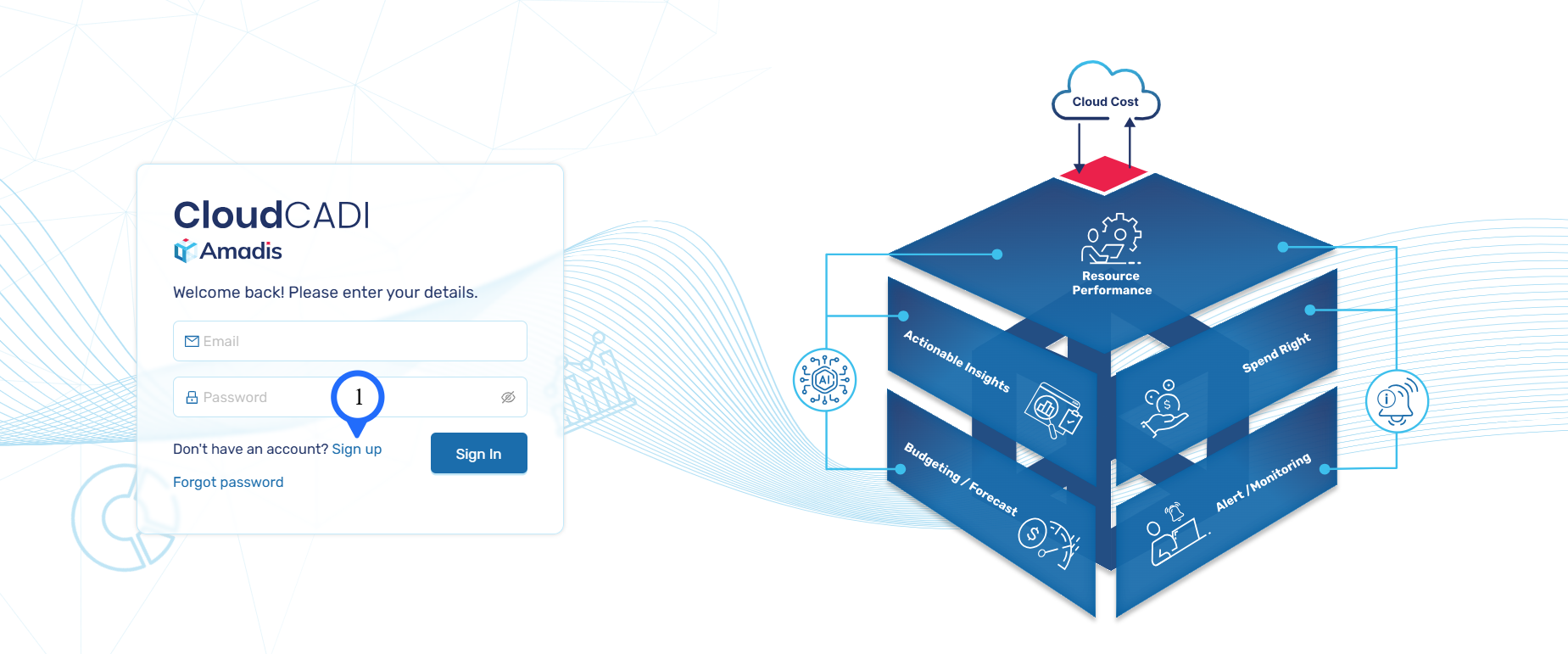
Click Sign-up in the Login Interface of CloudCADI.
-
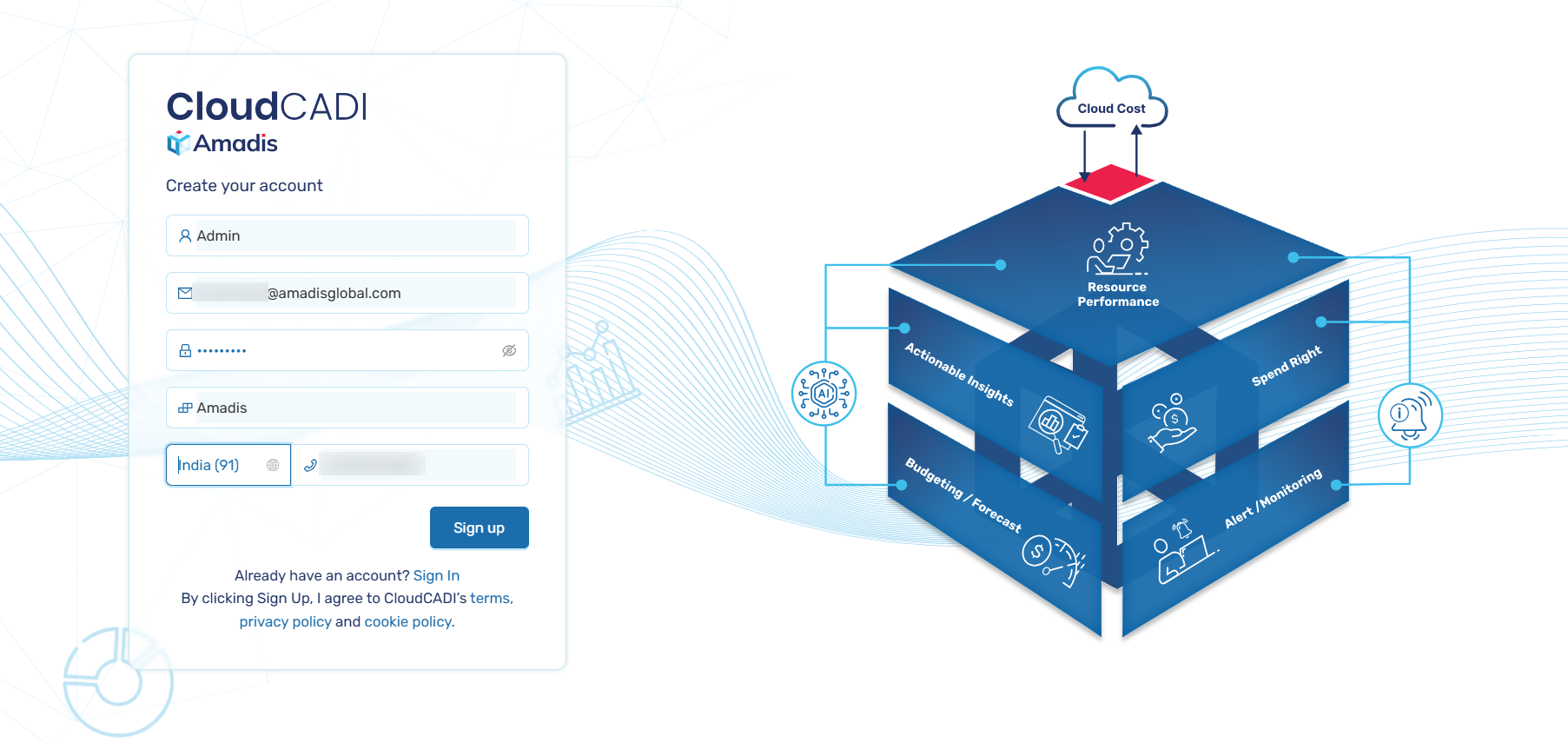
Create your account by entering your name, organization name, and phone number. After entering your details, click Sign up to proceed.
-
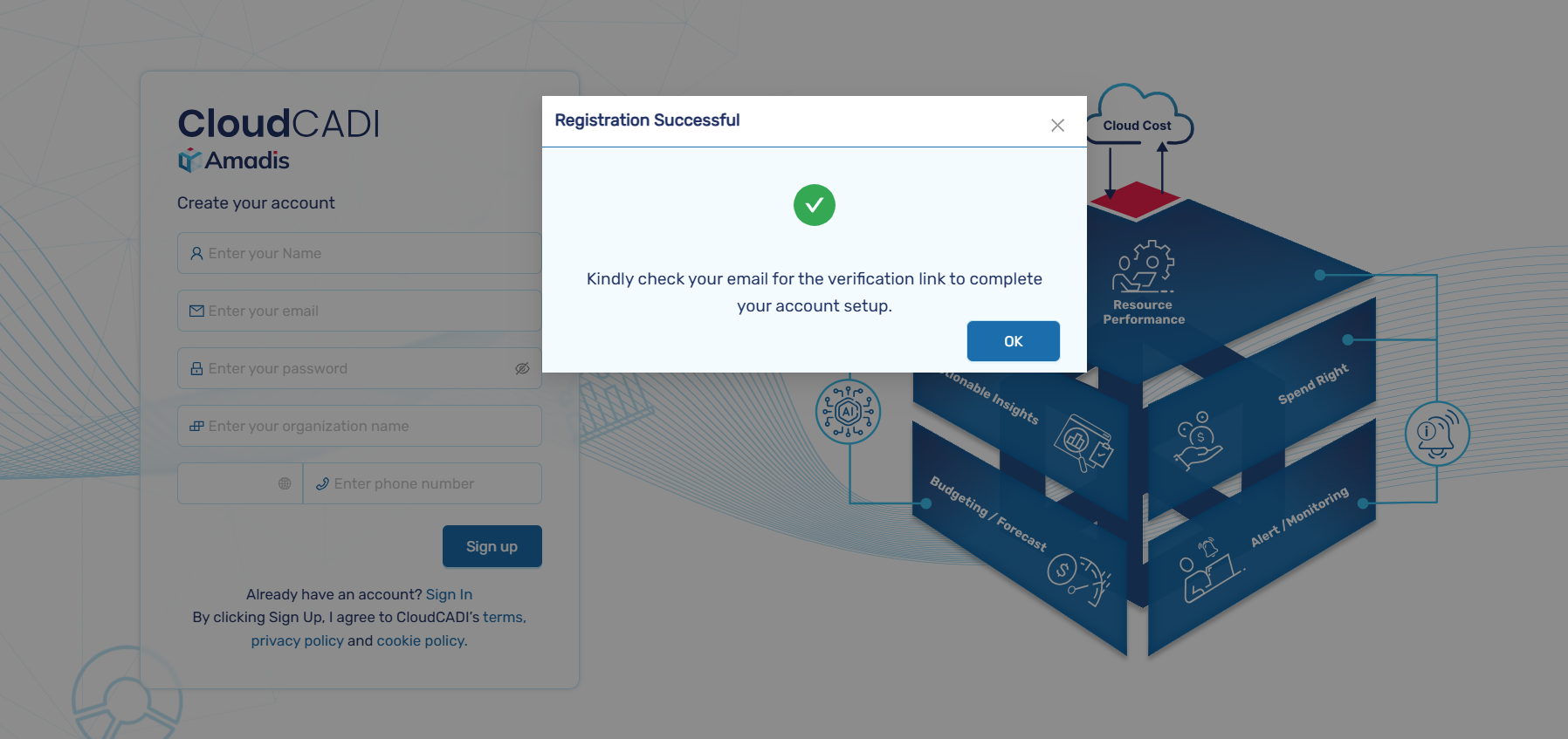
A pop-up will appear confirming your Registration. You will receive an email to the Email address linked with your CloudCADI account to complete verification.
Admin Assignment
The first user who completes the sign-up process is automatically assigned the Admin role.
Step 2 - Email Verification and Login
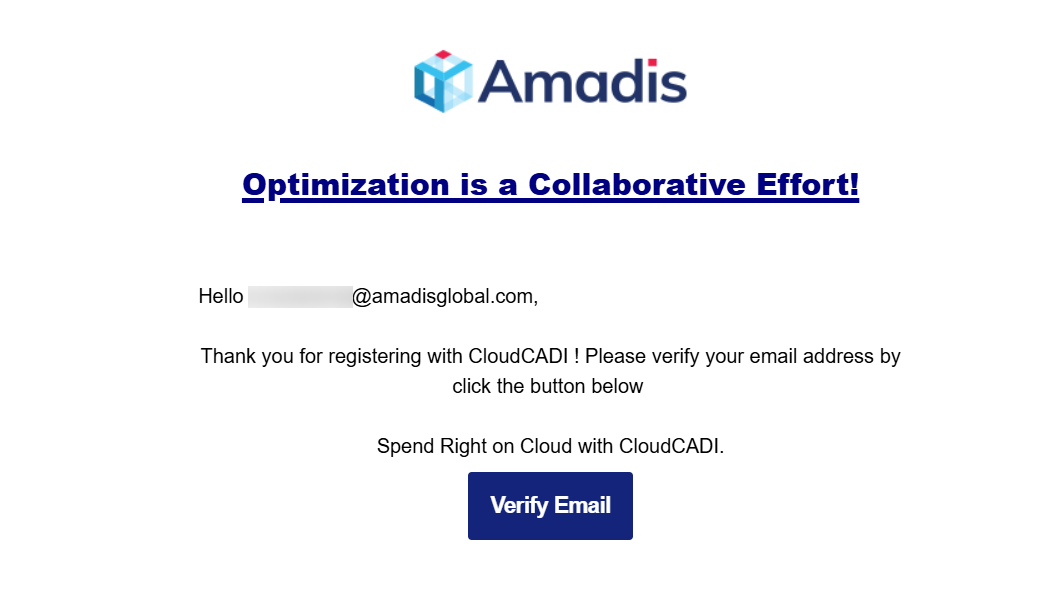
- A verification email is sent to the registered email address.
-
Open the email and click Verify Email.
-
After verification, return to the CloudCADI login page.
- Sign in using your credentials.
-
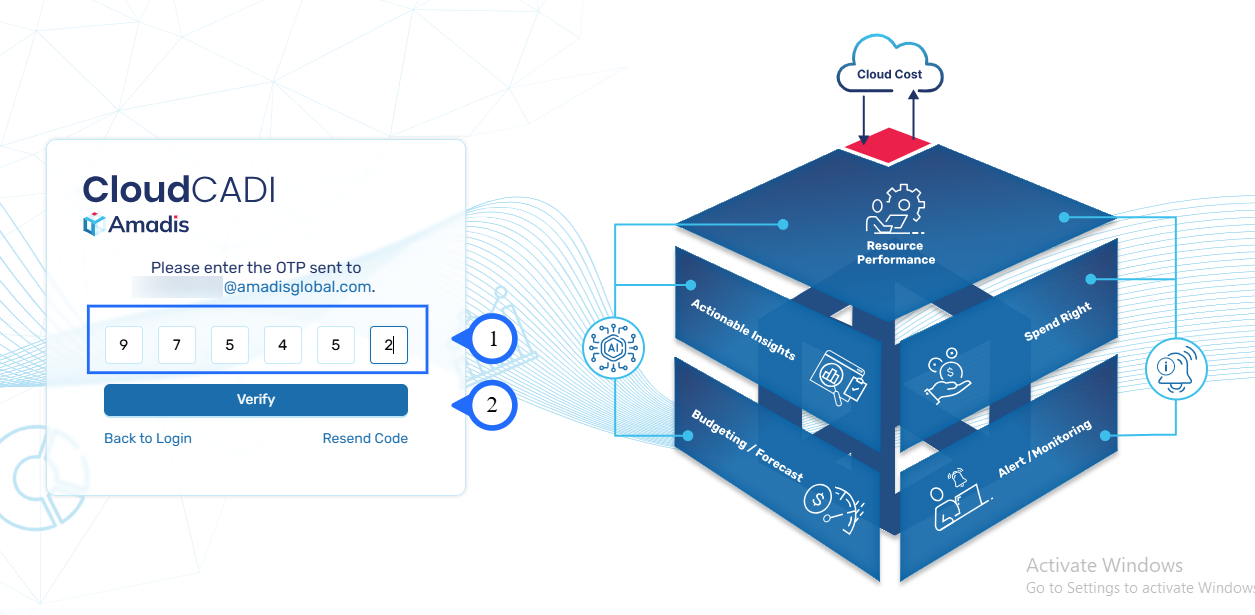
An OTP is sent to the admin’s email address.
-
Enter the OTP to complete the login.
Note
OTP verification is enabled only for Admin accounts. User accounts do not require OTP.
Step 3 - Admin Console Overview
After successful login:
- You will be redirected to the Admin Dashboard.
-
Click on Users under Admin to manage your users.